

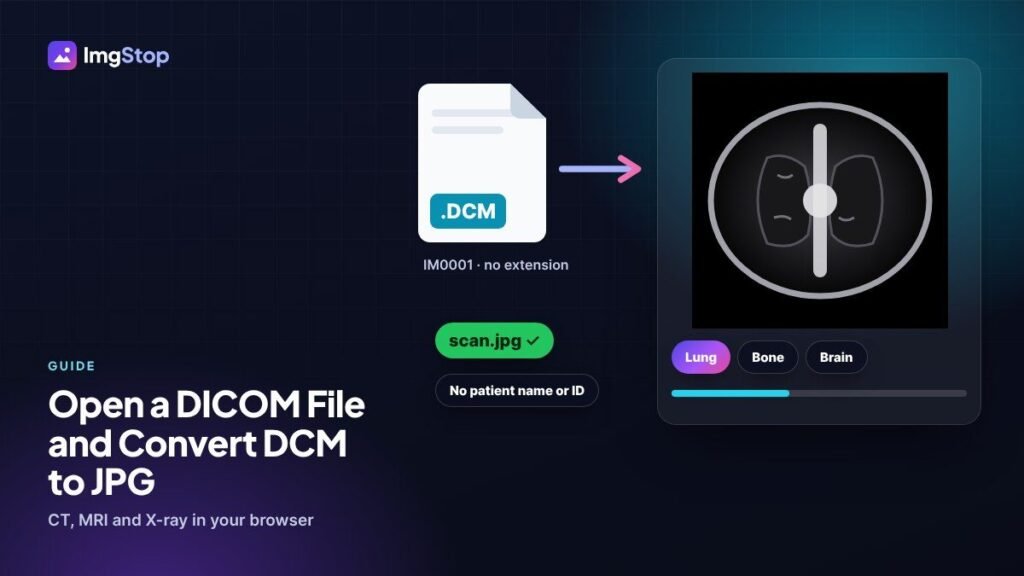
To open a DICOM file and convert it to JPG, drop the .dcm file (or a file with no extension from a hospital CD) on the free DICOM to JPG Converter. Pick a preset like Lung, Bone or Brain to set the contrast, then click Export images and choose JPG. The JPG holds only the picture, without the patient's name or ID, and the file is never uploaded.
What is a DICOM file?
DICOM is the standard format for medical scans. CT, MRI, X-ray, ultrasound and many other machines save their images this way, usually with the ending .dcm. Files on a hospital CD or USB stick often have no ending at all and are named like IM0001 or 00000001.
A DICOM file holds more than a picture. It also stores the patient's name and ID, the date, the machine settings and, for many scans, a whole stack of images (frames). Normal photo apps can't open it, which is why people search for a DCM to JPG converter.
How do I open a DCM file without software?
- Copy the files from the CD or USB stick to your computer. Look in a folder called DICOM if there is one.
- Open the DICOM to JPG Converter in your browser.
- Drop the files on the box, even the ones with no file ending.
- The scan opens straight away, with its main details like modality, image size and study date.
You don't install anything, and the scans are read on your own device. That matters, because medical images are private.
How do I convert DICOM to JPG?
- Open the file as above.
- Set the contrast. Choose a window preset such as Lung, Bone, Brain, Abdomen or Soft tissue, or drag on the image until it looks right.
- If the file has several frames (common for CT and MRI), move the frame slider to the one you want.
- Click Export images and choose JPG or PNG. You can also save every frame into one ZIP.
JPG or PNG?
| JPG | PNG | |
|---|---|---|
| File size | Small | Larger |
| Grey levels | Very slightly changed | Kept exactly |
| Best for | Email, WhatsApp, reports and slides | Teaching material and careful comparison |
What do window and level mean?
A medical scan stores far more shades of grey than a screen can show. The window decides which part of that range you see. The level (centre) sets which values look mid-grey, and the width sets how many values fit between black and white.
That's why the same CT slice can show the lungs clearly with one preset and the bones with another. If an exported JPG looks all white or all black, the window was wrong. Try a different preset before you export.
Is the patient's data in the JPG?
No. The exported JPG and PNG files hold only the pixels. The patient name, ID, birth date and other DICOM details are left out. The one exception is text that the scanner burned into the picture itself, such as a name in a corner. Crop that part away with the Crop Image tool before you share the picture.
Why won't my DICOM file open?
- It isn't an image. A CD also holds viewer programs, index files (DICOMDIR) and reports. Those aren't scans.
- The compression isn't supported. Some files use JPEG 2000, JPEG-LS or HTJ2K, which browsers can't decode yet. Ask for the study again as uncompressed DICOM.
- The file is damaged. Copy it from the CD again. Old discs can have read errors.
Sharing scans with a doctor or family
- Export the slices that matter as JPG, not the whole study.
- Make big files smaller with Compress Image before sending them on WhatsApp or email.
- Put several pictures into one file with the Image to PDF tool.
- For a second opinion, send the original DICOM files too. A JPG is fine for a quick look, but doctors need the full scan to make a diagnosis.
This tool is a viewer and converter for sharing and learning. It isn't a medical device, so use certified software for diagnosis.
Frequently asked questions
How do I convert DCM to JPG for free?
Drop the .dcm file on the Img Stop DICOM to JPG Converter, pick a contrast preset such as Lung or Bone, and click Export images with JPG chosen. It's free, runs in your browser and needs no software.
Can I open a DICOM file on my phone?
Yes. Copy the files to your phone, open the converter in the phone browser and choose them. Big CT or MRI studies have many frames, so a computer is more comfortable for those.
Why is the exported image all white or all black?
The contrast window doesn't suit that scan. Pick another preset, such as Bone instead of Lung, or drag on the image until you can see the detail, then export again.
Is my scan uploaded to a server?
No. The DICOM file is read inside your browser, on your own device, and the JPG is made there too. Nothing is sent to Img Stop.